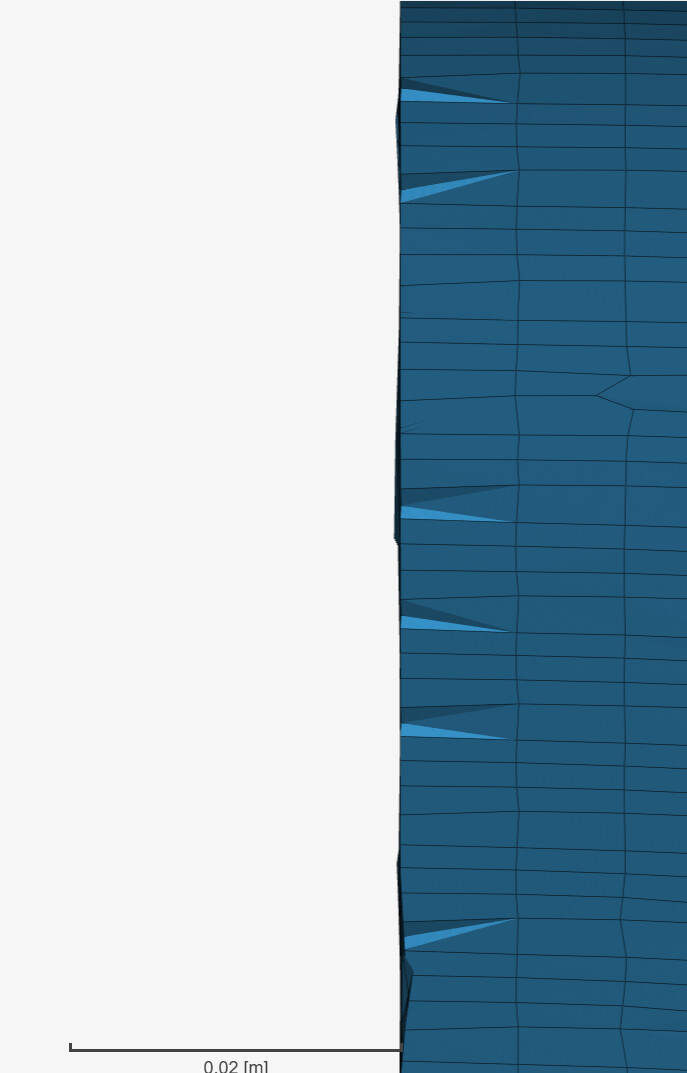
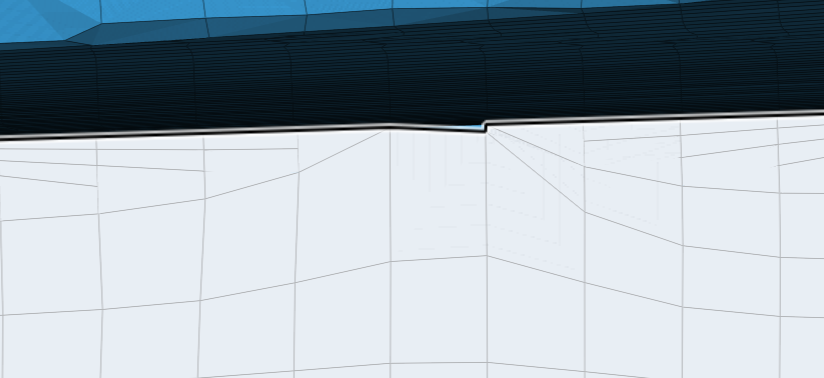
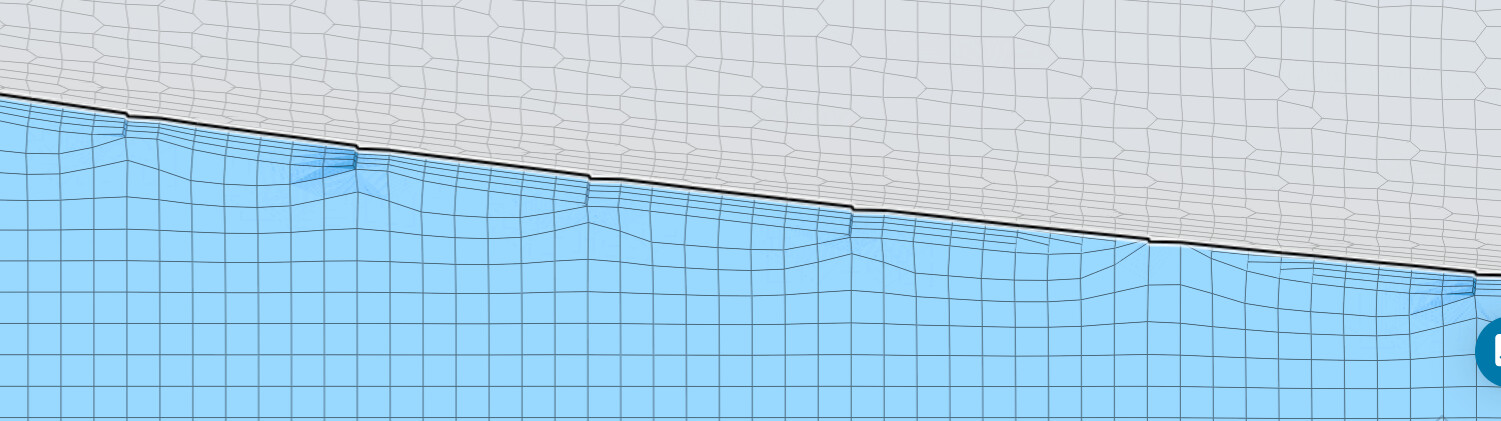
I set up the hex-dominant mesher and BL, but after generating the mesh I noticed that strange teeth appear between the car surface and the symmetry wall, which just ruins the quality of the mesh and especially the quality of the BL. I adjusted the Surface refinement and Region refinement settings, but the teeth are still there. Could you please advise how to get rid of them? I note that I also tried the Standard mesher, I would rather have a solution for hex-dominant please.
I assume you are referring to this project. I can see you used a wrap operation in CAD on the main body geometry - which is likely related to the “teeth” you see there on the screen.
There are two issues with this approach:
Even if the part seems “clean”, the Wrap’s resolution will dictate the actual “cleanliness” (coarser resolution = coarser surface mesh). And in your case you’ll notice that the result is quite bumpy. Increasing the wrap’s resolution might help, but it’s not a guaranteed solution to the issue, because,
The wrap effectively erases the original surface data from your geometry, since it’s goal is to solve potential problematic entities in the original CAD.
In that sense, importing a Cleaned up File in a polysurface format (STEP, Parasolid) should be the best approach moving forward.